Why Solar Inverters Trip and What to Do Next
18 October 2026 | By RJ Hill Electrical
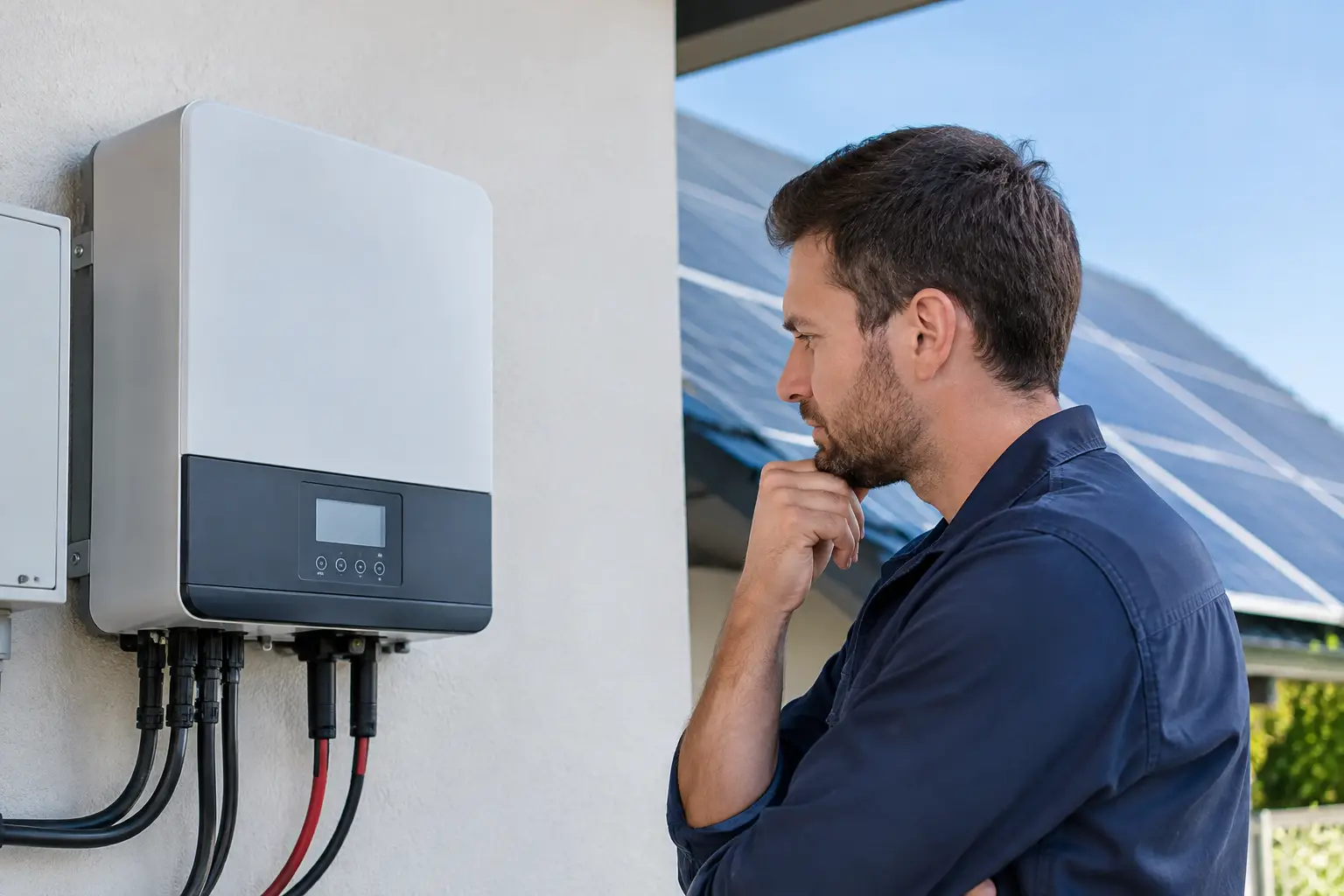
A sunny afternoon should be when your Solar PV system is working hardest. If the inverter has stopped generating, shows a fault code or has caused a circuit breaker to switch off, the lost generation can be frustrating. Understanding why solar inverters trip helps you separate a temporary grid issue from a fault that needs professional attention - and avoids resetting equipment repeatedly without fixing the cause.
In many cases, the inverter is doing exactly what it is designed to do: disconnecting to protect your property, the electrical supply and anyone working on the network. The right response depends on what has tripped, what message is displayed and whether the issue returns.
Why solar inverters trip
The word “trip” can describe several different events. An inverter may disconnect itself from the grid and display a warning. Alternatively, an AC circuit breaker, RCD or RCBO in the consumer unit may trip. A DC isolator may be switched off, or a battery system may stop charging and discharging.
These are different faults with different causes. Before arranging a visit, note the inverter make and model, the fault message, the time it happened and whether any breaker has moved to the off position. That information gives an installer a much clearer starting point.
High grid voltage
High grid voltage is one of the most common reasons for solar inverters to disconnect in the UK, particularly in areas with a high concentration of Solar PV. The inverter constantly measures the mains supply. If the local voltage rises above the permitted limit, it must stop exporting electricity.
This often occurs around midday on bright days, when solar generation is high and household demand is low. It can also be made worse by the cable run between the inverter and the electricity supply point. An undersized cable, poor connection or long run can create voltage rise within the property, pushing the inverter over its limit even when the supply voltage itself is not unusually high.
A restart may get the system running again temporarily, but it will not cure recurring voltage-related disconnections. A qualified installer can test voltage at the inverter and at the point of supply, check cable sizing and connections, and provide evidence if the network operator needs to investigate the local network.
A loss of grid supply
Grid-tied solar inverters are required to stop generating when the mains supply fails. This anti-islanding protection prevents a solar array from energising cables that engineers may believe are dead.
So, if there has been a power cut, planned network work or a brief dip in supply quality, the inverter may shut down. It will usually wait for the grid to become stable before reconnecting. This delay is normal.
Standard Solar PV does not normally keep your home powered during a power cut, even if the panels are generating. Backup power requires suitable battery equipment, a correctly designed changeover arrangement and circuits selected specifically for backup operation.
Tripped AC protection or an RCD
An AC breaker or RCBO may trip because of an overload, short circuit, earth fault or a problem with the inverter circuit. An RCD can also operate when it detects earth leakage above its set limit.
The solar inverter may be the cause, but it is not always the only explanation. Appliances on shared circuits, water ingress, damaged cabling and a fault within another connected device can all contribute. Modern solar installations should have protection selected and installed to suit the inverter and the wider electrical installation.
If a breaker will not remain on, or trips again as soon as the inverter is restarted, leave it off and arrange an inspection. Do not keep resetting it. Repeated tripping is a warning that needs proper testing, not a nuisance to be worked around.
DC insulation faults and water ingress
Solar panels produce DC electricity whenever there is daylight. Damage to DC cables, loose connectors, degraded insulation or moisture entering equipment can cause insulation resistance faults. These may appear more often after heavy rain, following roof work, or as components age.
Inverters monitor the DC side of the system closely. A message such as “ISO fault”, “insulation fault”, “ground fault” or “PV isolation low” should be taken seriously. The system may be safe because it has shut down, but the cause should be investigated by a competent solar installer.
Never unplug DC connectors, remove inverter covers or attempt roof-level repairs yourself. DC arcs can be hazardous and may continue once a connection is disturbed.
Overheating or poor ventilation
Inverters are efficient, but they still generate heat. When installed in a hot loft, enclosed cupboard or space with restricted airflow, an inverter can reduce output or shut down to protect its internal components.
Check that stored items have not blocked ventilation openings and that the area around the inverter remains clear. Do not cover the unit. If overheating happens regularly, the installer should assess the installation environment, airflow and equipment condition. In some cases, a ventilation improvement or equipment relocation may be appropriate.
System configuration and communication issues
Not every warning means the electrical system has failed. Monitoring connections can drop out because of a router change, weak Wi-Fi signal or an app configuration issue. In that situation, the panels may still be generating normally even though the app is not reporting correctly.
Configuration matters too. Incorrect grid settings, firmware issues, CT clamp problems or battery control settings can lead to reduced export, unexpected battery behaviour or inverter warnings. These are particularly relevant where Solar PV, battery storage, EV charging and smart tariffs all interact.
A system should be assessed as a whole. Changing one setting to prioritise battery charging, for example, can affect export behaviour and household supply. A good diagnosis considers how the equipment has been designed to operate, not just the message on one screen.
What you can safely check first
Start with the simple observations. Is there a power cut in your area? Is the inverter screen showing a specific fault code? Has the solar AC breaker, RCBO or RCD moved to the off position? Has the issue happened after rain, during strong sunshine or at the same time each day?
If the manufacturer’s instructions permit it, one controlled restart may be reasonable after checking the displayed message and confirming there is no visible damage, burning smell or water around the equipment. Follow the documented shutdown and start-up sequence for your system. Do not operate isolators unnecessarily or reset a breaker repeatedly.
If the inverter returns to normal operation and the fault does not recur, keep an eye on generation over the next few days. If it trips again, take a photograph of the display before contacting your installer. Fault codes can disappear after a restart, and a photograph can save time and avoid guesswork.
When to call a solar electrician
Arrange professional support promptly if the inverter repeatedly disconnects, an RCD or breaker trips again, the display reports an insulation or earth fault, or there is evidence of heat damage or water ingress. The same applies if output has fallen significantly without an obvious seasonal reason.
A competent installer can carry out tests that are not possible from an app: checking AC and DC voltages, insulation resistance, polarity, earth arrangements, cable connections, protection devices and grid performance. For high-voltage disconnections, test results may also help establish whether work is needed within the installation or by the distribution network operator.
For homes and businesses across Lincolnshire, Norfolk, Cambridgeshire, Rutland and Leicestershire, RJ Hill Electrical can assess Solar PV and integrated battery systems with the practical electrical expertise needed to identify the real source of the problem.
Preventing repeat inverter trips
A professionally designed system is the best defence against avoidable issues. Correct cable sizing, appropriate protective devices, suitable inverter location and clear commissioning records all make future faults easier to prevent and diagnose.
After installation, keep the inverter accessible, avoid storing items around it and pay attention to changes in generation patterns. If you are adding a battery, heat pump or EV charger, make sure the electrical capacity and solar controls are reviewed together. These upgrades can improve energy independence, but they must work as one coordinated system.
Your inverter is the safety gatekeeper of your Solar PV installation. When it trips, treat the message as useful information: record it, avoid unsafe resets and get the right checks carried out so your system can return to reducing your electricity bills reliably.